


Page 25 - CC2017_WD_Look_Inside
P. 25
Copy And pAste lAyers
              Compositing multiple images in Photoshop is a fairly simple process — or at least, it
              starts out that way. But there are a number of technical and aesthetic issues you must   Note:
              resolve whenever you combine multiple images into a single design.            Digital photographs and
                 In this and the next several exercises, you will use several methods to composite   scans are pixel-based,
              multiple images into a single Photoshop file. In the next stage of the project, you will   which is why you use
              learn various techniques for combining the different pieces into a unified design.  Photoshop to edit and
                                                                                            manipulate those types
                1.  With forefathers.psd open, choose File>Open.                            of files.

                2.  Navigate to your WIP>Liberty folder. Select bottle.jpg, parchment.tif,
                   and quill.jpg, then click Open.
                   Remember, you can press Command/Control to select multiple non-consecutive files in
                   the Open dialog box. If you press Shift, you select multiple consecutive files.


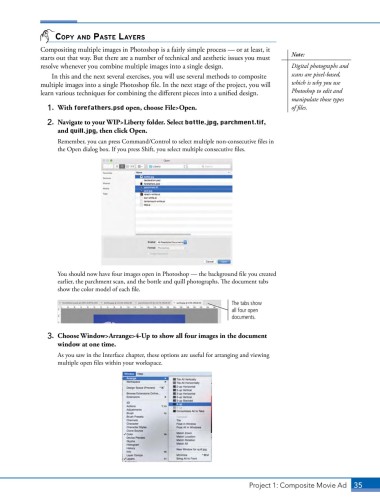
                   You should now have four images open in Photoshop — the background file you created
                   earlier, the parchment scan, and the bottle and quill photographs. The document tabs
                   show the color model of each file.

                                                                         The tabs show
                                                                         all four open
                                                                         documents.


                3.  Choose Window>Arrange>4-Up to show all four images in the document
                   window at one time.

                   As you saw in the Interface chapter, these options are useful for arranging and viewing
                   multiple open files within your workspace.


                                                                               Project 1: Composite Movie Ad    35

