


Page 23 - CC2017_WD_Look_Inside
P. 23
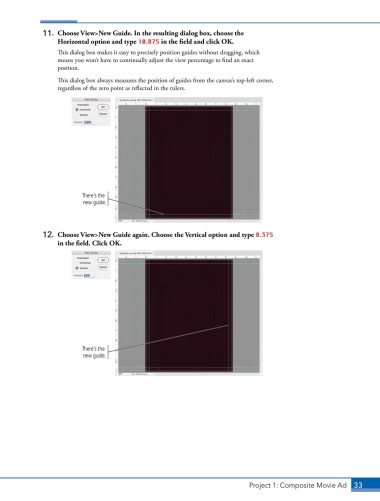
11.  Choose View>New Guide. In the resulting dialog box, choose the
                   Horizontal option and type 10.875 in the field and click OK.

                   This dialog box makes it easy to precisely position guides without dragging, which
                   means you won’t have to continually adjust the view percentage to find an exact
                   position.

                   This dialog box always measures the position of guides from the canvas’s top-left corner,
                   regardless of the zero point as reflected in the rulers.


                           There’s the
                           new guide.


               12.  Choose View>New Guide again. Choose the Vertical option and type 8.375
                   in the field. Click OK.


                           There’s the
                           new guide.


                                                                               Project 1: Composite Movie Ad    33

