


Page 35 - Adobe Photoshop and Dreamviewer 2021
P. 35
8.  Choose Edit>Copy.
                 The standard Cut, Copy, and Paste options are available in Photoshop, just as they are
                 in most applications. Whatever you have selected will be copied to the Clipboard, and
                 whatever is in the Clipboard will be pasted.

              9.  Click the Close button on the Skyline.jpg document tab to close the file.
                 When asked, click Don’t Save.


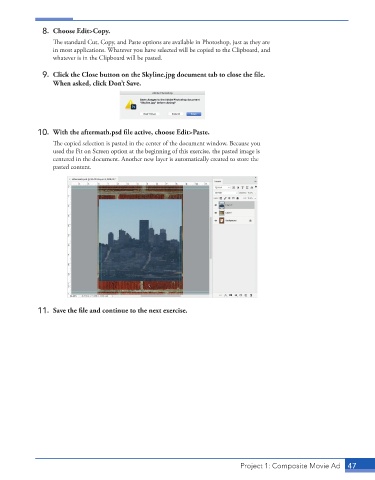
             10.  With the aftermath.psd file active, choose Edit>Paste.
                 The copied selection is pasted in the center of the document window. Because you
                 used the Fit on Screen option at the beginning of this exercise, the pasted image is
                 centered in the document. Another new layer is automatically created to store the
                 pasted content.


             11.  Save the file and continue to the next exercise.


                                                                          Project 1: Composite Movie Ad    47

