


Page 70 - CC2017_WD_Look_Inside
P. 70
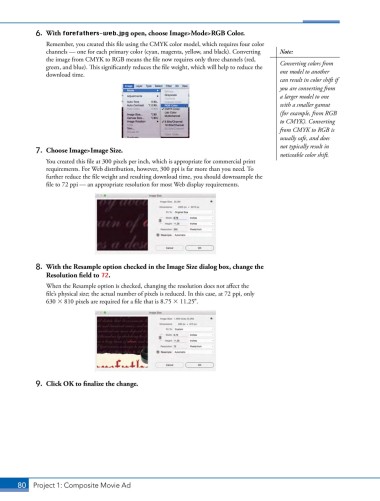
6. With forefathers-web.jpg open, choose Image>Mode>RGB Color.
Remember, you created this file using the CMYK color model, which requires four color
channels — one for each primary color (cyan, magenta, yellow, and black). Converting Note:
the image from CMYK to RGB means the file now requires only three channels (red, Converting colors from
green, and blue). This significantly reduces the file weight, which will help to reduce the
download time. one model to another
can result in color shift if
you are converting from
a larger model to one
with a smaller gamut
(for example, from RGB
to CMYK). Converting
from CMYK to RGB is
usually safe, and does
not typically result in
7. Choose Image>Image Size.
noticeable color shift.
You created this file at 300 pixels per inch, which is appropriate for commercial print
requirements. For Web distribution, however, 300 ppi is far more than you need. To
further reduce the file weight and resulting download time, you should downsample the
file to 72 ppi — an appropriate resolution for most Web display requirements.
8. With the Resample option checked in the Image Size dialog box, change the
Resolution field to 72.
When the Resample option is checked, changing the resolution does not affect the
file’s physical size; the actual number of pixels is reduced. In this case, at 72 ppi, only
630 810 pixels are required for a file that is 8.75 11.25.
9. Click OK to finalize the change.
80 Project 1: Composite Movie Ad

