


Page 35 - CC2017_DW_Look_Inside
P. 35
Stage 3  Naming and Titling Documents

              When a Web server (a computer that stores and delivers Web pages) receives a request for a folder but not
              a specific page, the Web server delivers the default page for that folder — usually named index.html or
              index.htm. There is no practical difference between the two extensions; most Web servers can serve files
              with either extension. (If you do not have an index file in that folder, the link will result in an error.)
                 To create links to the default page in a specific folder, you do not need to include the file name if
              you use the index naming convention. Both www.kineticbistro.com/ and www.kineticbistro.com/
              index.html refer to the same page.


                  renAme PAges For seArCh engine oPtimizAtion
              Search engine optimization (SEO) is the process of improving the ranking of a Web
              page on search engine results pages (SERPs). Search engines certainly use the content
              of a page for ranking purposes, but the names of folders and files also affect rankings.
                 Descriptive folder and file names improve usability; you can use m/menu1.html
              for the path to the dinner menu page, for example, but /menus/dinner-menu.html is
              much easier for visitors to understand — and will improve your search engine ranking.
                 In this exercise, you rename the menu pages to more accurately describe what
              is contained in the files. As with moving files, the application recognizes when a file
              name has been changed and knows that links to the page must be adjusted.

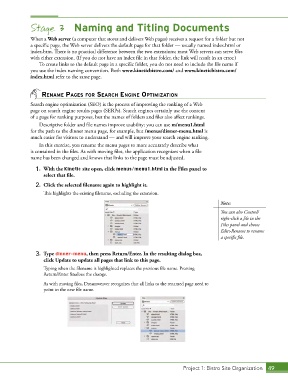
                1.  With the Kinetic site open, click menus/menu1.html in the Files panel to
                   select that file.

                2.  Click the selected filename again to highlight it.
                   This highlights the existing filename, excluding the extension.

                                                                                            Note:
                                                                                            You can also Control/
                                                                                            right-click a file in the
                                                                                            Files panel and choose
                                                                                            Edit>Rename to rename
                                                                                            a specific file.


                3.  Type dinner-menu, then press Return/Enter. In the resulting dialog box,
                   click Update to update all pages that link to this page.
                   Typing when the filename is highlighted replaces the previous file name. Pressing
                   Return/Enter finalizes the change.
                   As with moving files, Dreamweaver recognizes that all links to the renamed page need to
                   point to the new file name.


                                                                             Project 1: Bistro Site Organization  49

