


Page 65 - Adobe Photoshop 2022
P. 65
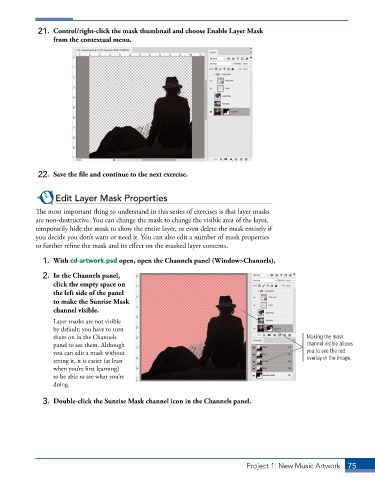
21.  Control/right-click the mask thumbnail and choose Enable Layer Mask
                 from the contextual menu.


             22.  Save the file and continue to the next exercise.


                  Edit Layer Mask Properties
            The most important thing to understand in this series of exercises is that layer masks
            are non-destructive. You can change the mask to change the visible area of the layer,
            temporarily hide the mask to show the entire layer, or even delete the mask entirely if
            you decide you don’t want or need it. You can also edit a number of mask properties
            to further refine the mask and its effect on the masked layer contents.

              1.  With cd-artwork.psd open, open the Channels panel (Window>Channels).

              2.  In the Channels panel,
                 click the empty space on
                 the left side of the panel
                 to make the Sunrise Mask
                 channel visible.
                 Layer masks are not visible
                 by default; you have to turn
                 them on in the Channels                                                       Making the mask
                 panel to see them. Although                                                   channel visible allows
                 you can edit a mask without                                                   you to see the red
                 seeing it, it is easier (at least                                             overlay in the image.
                 when you’re first learning)
                 to be able to see what you’re
                 doing.


              3.  Double-click the Sunrise Mask channel icon in the Channels panel.


                                                                            Project 1: New Music Artwork   75

