


Page 14 - CC2018_ID_Look_Inside
P. 14
Project Meeting                                          I’ve looked over the client’s images, and I
          Project Meeting


               Until now, we’ve just added the logo and
             client comments  address at the top of a Word document   art director comments  think we should use all of them. InDesign has
                                                                   everything you need to create the necessary
               whenever we sent out correspondence. The
                                                                   graphics directly on the page layout.
               business has been growing lately, and we want
               something more professional.
                                                                   I already reviewed the size of the photos. They
               I sent you our logo, which was created in
                                                                   should be fine to place into the layout as they
                                                                   are; you won’t need to manipulate the actual
               Adobe Illustrator. I also selected a bunch of
               images that represent the different stores at the
               market; I want to include at least a few of those
                                                                   I also copied the client’s contact info into a file
               on the letterhead.                                  image files.
                                                                   for you. I noticed they have a tagline — Grand
               Can you get our address information from our        Cuisine. Grand Culture. Grand Central. —
               website, or do we need to send that to you as a     fairly prominent throughout the site, so I think
               separate document?                                  we should include that in the print design
                                                                   work, as well.
                                                                   It might feel like there’s a lot involved in
                                                                   creating this piece, but it’s not too complicated.
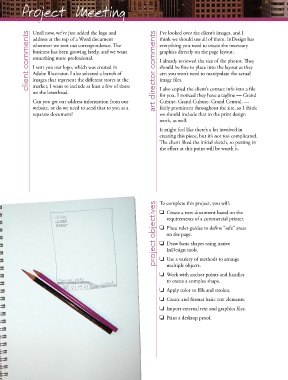
                                                                   The client liked the initial sketch, so putting in
                                                                   the effort at this point will be worth it.


                                                                 project objectives  To complete this project, you will:
                                                                   o  Create a new document based on the
                                                                      requirements of a commercial printer.
                                                                   o  Place ruler guides to define “safe” areas
                                                                      on the page.
                                                                   o  Draw basic shapes using native
                                                                      InDesign tools.
                                                                   o  Use a variety of methods to arrange
                                                                      multiple objects.
                                                                   o  Work with anchor points and handles
                                                                      to create a complex shape.
                                                                   o  Apply color to fills and strokes.
                                                                   o  Create and format basic text elements.

                                                                   o  Import external text and graphics files.
                                                                   o  Print a desktop proof.

