


Page 80 - Adobe Photoshop and Dreamviewer 2021
P. 80
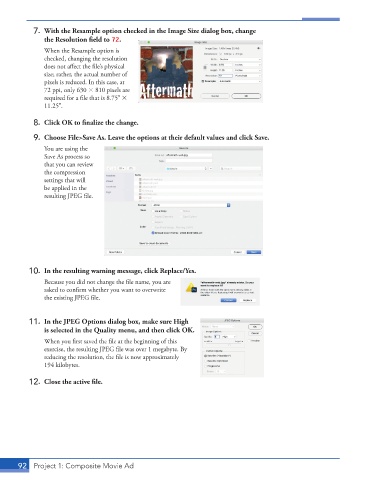
7. With the Resample option checked in the Image Size dialog box, change
the Resolution field to 72.
When the Resample option is
checked, changing the resolution
does not affect the file’s physical
size; rather, the actual number of
pixels is reduced. In this case, at
72 ppi, only 630 810 pixels are
required for a file that is 8.75
11.25.
8. Click OK to finalize the change.
9. Choose File>Save As. Leave the options at their default values and click Save.
You are using the
Save As process so
that you can review
the compression
settings that will
be applied in the
resulting JPEG file.
10. In the resulting warning message, click Replace/Yes.
Because you did not change the file name, you are
asked to confirm whether you want to overwrite
the existing JPEG file.
11. In the JPEG Options dialog box, make sure High
is selected in the Quality menu, and then click OK.
When you first saved the file at the beginning of this
exercise, the resulting JPEG file was over 1 megabyte. By
reducing the resolution, the file is now approximately
194 kilobytes.
12. Close the active file.
92 Project 1: Composite Movie Ad

