


Page 52 - Adobe Indesign CC 2020
P. 52
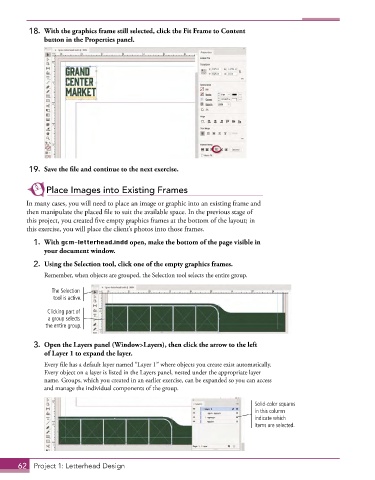
18.  With the graphics frame still selected, click the Fit Frame to Content
              button in the Properties panel.


          19.  Save the file and continue to the next exercise.


               Place Images into Existing Frames

         In many cases, you will need to place an image or graphic into an existing frame and
         then manipulate the placed file to suit the available space. In the previous stage of
         this project, you created five empty graphics frames at the bottom of the layout; in
         this exercise, you will place the client’s photos into those frames.
           1.  With gcm-letterhead.indd open, make the bottom of the page visible in
              your document window.

           2.  Using the Selection tool, click one of the empty graphics frames.
               Remember, when objects are grouped, the Selection tool selects the entire group.

                 The Selection
                 tool is active.

               Clicking part of
                a group selects
               the entire group.


           3.  Open the Layers panel (Window>Layers), then click the arrow to the left
              of Layer 1 to expand the layer.

               Every file has a default layer named “Layer 1” where objects you create exist automatically.
               Every object on a layer is listed in the Layers panel, nested under the appropriate layer
               name. Groups, which you created in an earlier exercise, can be expanded so you can access
               and manage the individual components of the group.

                                                                               Solid-color squares
                                                                               in this column
                                                                               indicate which
                                                                               items are selected.


       62  Project 1: Letterhead Design

