


Page 75 - CC 2019 WD Look Inside
P. 75
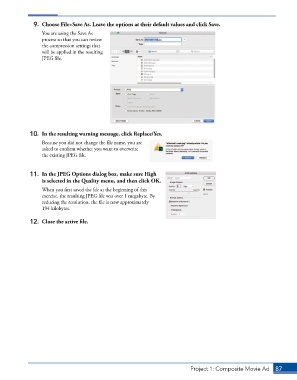
9.  Choose File>Save As. Leave the options at their default values and click Save.
                 You are using the Save As
                 process so that you can review
                 the compression settings that
                 will be applied in the resulting
                 JPEG file.


             10.  In the resulting warning message, click Replace/Yes.

                 Because you did not change the file name, you are
                 asked to confirm whether you want to overwrite
                 the existing JPEG file.


             11.  In the JPEG Options dialog box, make sure High
                 is selected in the Quality menu, and then click OK.
                 When you first saved the file at the beginning of this
                 exercise, the resulting JPEG file was over 1 megabyte. By
                 reducing the resolution, the file is now approximately
                 194 kilobytes.

             12.  Close the active file.


                                                                          Project 1: Composite Movie Ad    87

