


Page 54 - Adobe Photoshop 2021
P. 54
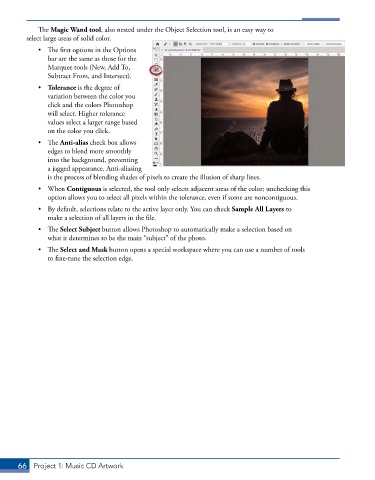
The Magic Wand tool, also nested under the Object Selection tool, is an easy way to
         select large areas of solid color.

             •  The first options in the Options
                bar are the same as those for the
                Marquee tools (New, Add To,
                Subtract From, and Intersect).
             •  Tolerance is the degree of
                variation between the color you
                click and the colors Photoshop
                will select. Higher tolerance
                values select a larger range based
                on the color you click.
             •  The Anti-alias check box allows
                edges to blend more smoothly
                into the background, preventing
                a jagged appearance. Anti-aliasing
                is the process of blending shades of pixels to create the illusion of sharp lines.
             •  When Contiguous is selected, the tool only selects adjacent areas of the color; unchecking this
                option allows you to select all pixels within the tolerance, even if some are noncontiguous.
             •  By default, selections relate to the active layer only. You can check Sample All Layers to
                make a selection of all layers in the file.
             •  The Select Subject button allows Photoshop to automatically make a selection based on
                what it determines to be the main “subject” of the photo.

             •  The Select and Mask button opens a special workspace where you can use a number of tools
                to fine-tune the selection edge.


       66  Project 1: Music CD Artwork

