


Page 76 - CC 2019 GD Look Inside
P. 76
PROJECT SUMMARY


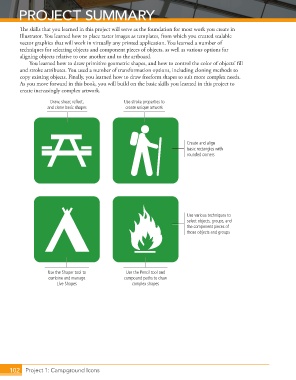
              Th  e skills that you learned in this project will serve as the foundation for most work you create in
              Illustrator. You learned how to place raster images as templates, from which you created scalable
              vector graphics that will work in virtually any printed application. You learned a number of
              techniques for selecting objects and component pieces of objects, as well as various options for
              aligning objects relative to one another and to the artboard.
                  You learned how to draw primitive geometric shapes, and how to control the color of objects’ fi ll
              and stroke attributes. You used a number of transformation options, including cloning methods to
              copy existing objects. Finally, you learned how to draw freeform shapes to suit more complex needs.
              As you move forward in this book, you will build on the basic skills you learned in this project to
              create increasingly complex artwork.

                          Draw, shear, reflect,       Use stroke properties to
                         and clone basic shapes       create unique artwork


                                                                              Create and align
                                                                              basic rectangles with
                                                                              rounded corners


                                                                              Use various techniques to
                                                                              select objects, groups, and
                                                                              the component pieces of
                                                                              those objects and groups


                         Use the Shaper tool to        Use the Pencil tool and
                         combine and manage           compound paths to draw
                            Live Shapes                  complex shapes


          102
          102     Project 1: Campground Icons

