


Page 7 - CS6_ID_Look_Inside
P. 7
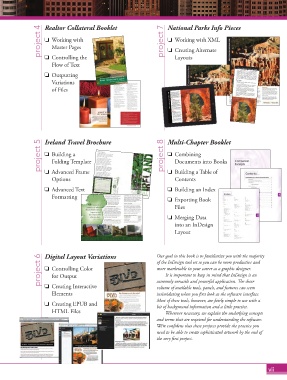
project 4  Realtor Collateral Booklet             project 7  National Parks Info Pieces

                           Working with
                                                                             Working with XML
                            Master Pages
                                                                             Creating Alternate
                           Controlling the
                            Flow of Text                                      Layouts

                          Outputting
                            Variations
                            of Files


                       project 5  Ireland Travel Brochure                project 8  Multi-Chapter Booklet

                           Building a
                                                                            Combining
                            Folding Template
                                                                              Documents into Books
                           Advanced Frame
                                                                              Contents
                            Options                                          Building a Table of
                           Advanced Text                                    Building an Index
                            Formatting
                                                                             Exporting Book
                                                                              Files

                                                                             Merging Data
                                                                              into an InDesign
                                                                              Layout


                       project 6  Digital Layout Variations            Our goal in this book is to familiar ize you with the majority
                                                                       of the InDesign tool set so you can be more productive and
                           Controlling Color
                                                                       more marketable in your career as a graphic designer.
                                                                          It is important to keep in mind that InDesign is an
                            for Output
                                                                       extremely versatile and powerful application. Th  e sheer
                           Creating Interactive
                            Elements                                   volume of available tools, panels, and features can seem
                                                                       intimidating when you fi rst look at the software interface.
                                                                       Most of these tools, however, are fairly simple to use with a
                           Creating EPUB and                          bit of background information and a little practice.
                            HTML Files                                    Wherever necessary, we explain the underlying concepts
                                                                       and terms that are required for understanding the software.
                                                                       We’re confi dent that these projects provide the practice you
                                                                       need to be able to create sophisticated artwork by the end of
                                                                       the very fi rst project.


                                                                                                                    vii

