


Page 16 - CS6_AI_Look_Inside.pdf
P. 16
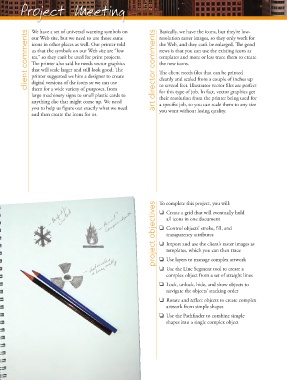
Project Meeting                                          Basically, we have the icons, but they’re low-


                   We have a set of universal warning symbols on
                 client comments  our Web site, but we need to use those same   art director comments  resolution raster images, so they only work for
                                                                        the Web, and they can’t be enlarged. Th  e good
                   icons in other places as well. Our printer told
                                                                        news is that you can use the existing icons as
                   us that the symbols on our Web site are “low
                   res,” so they can’t be used for print projects.
                                                                        templates and more or less trace them to create
                                                                        the new icons.
                   Th  e printer also said he needs vector graphics
                   that will scale larger and still look good. Th  e
                                                                        Th  e client needs fi les that can be printed
                   printer suggested we hire a designer to create
                   digital versions of the icons so we can use
                                                                        to several feet. Illustrator vector fi les are perfect
                   them for a wide variety of purposes, from
                                                                        for this type of job. In fact, vector graphics get
                   large machinery signs to small plastic cards to      cleanly and scaled from a couple of inches up
                                                                        their resolution from the printer being used for
                   anything else that might come up. We need            a specifi c job, so you can scale them to any size
                   you to help us fi gure out exactly what we need      you want without losing quality.
                   and then create the icons for us.


                                                                      project objectives  To complete this project, you will:
                                                                        o  Create a grid that will eventually hold
                                                                           all icons in one document

                                                                        o  Control objects’ stroke, fi ll, and
                                                                           transparency attributes

                                                                        o  Import and use the client’s raster images as
                                                                           templates, which you can then trace

                                                                        o  Use layers to manage complex artwork
                                                                        o  Use the Line Segment tool to create a
                                                                           complex object from a set of straight lines
                                                                        o  Lock, unlock, hide, and show objects to
                                                                           navigate the objects’ stacking order
                                                                        o  Rotate and refl ect objects to create complex
                                                                           artwork from simple shapes
                                                                        o  Use the Pathfi nder to combine simple
                                                                           shapes into a single complex object

