


Page 33 - Adobe Dream Viewer CC 2020
P. 33
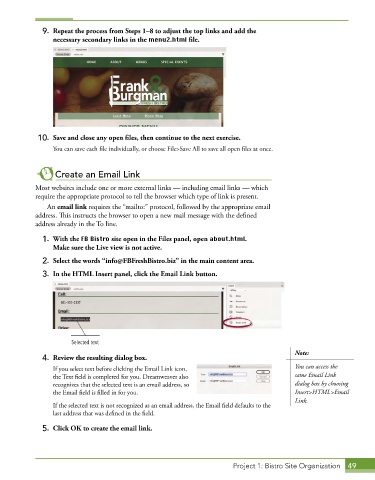
9.  Repeat the process from Steps 1–8 to adjust the top links and add the
                 necessary secondary links in the menu2.html file.


             10.  Save and close any open files, then continue to the next exercise.

                 You can save each file individually, or choose File>Save All to save all open files at once.


                  Create an Email Link

            Most websites include one or more external links — including email links — which
            require the appropriate protocol to tell the browser which type of link is present.
               An email link requires the “mailto:” protocol, followed by the appropriate email
            address. This instructs the browser to open a new mail message with the defined
            address already in the To line.

              1.  With the FB Bistro site open in the Files panel, open about.html.
                 Make sure the Live view is not active.

              2.  Select the words “[email protected]” in the main content area.
              3.  In the HTML Insert panel, click the Email Link button.


                       Selected text
                                                                                           Note:
              4.  Review the resulting dialog box.

                 If you select text before clicking the Email Link icon,                   You can access the
                 the Text field is completed for you. Dreamweaver also                     same Email Link
                 recognizes that the selected text is an email address, so                 dialog box by choosing
                 the Email field is filled in for you.                                     Insert>HTML>Email
                                                                                           Link.
                 If the selected text is not recognized as an email address, the Email field defaults to the
                 last address that was defined in the field.

              5.  Click OK to create the email link.


                                                                        Project 1: Bistro Site Organization  49

