


Page 7 - CC2018_WD_Look_Inside
P. 7
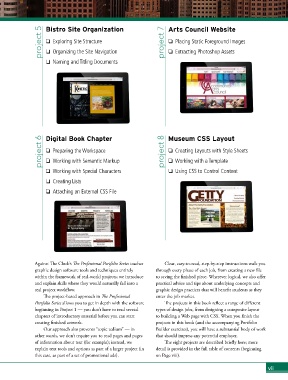
project 5  Bistro Site Organization               project 7  Arts Council Website

                    o  Exploring Site Structure
                                                                      o  Placing Static Foreground Images
                    o  Organizing the Site Navigation
                                                                      o  Extracting Photoshop Assets
                    o  Naming and Titling Documents


                  project 6  Digital Book Chapter                   project 8  Museum CSS Layout

                    o  Preparing the Workspace
                                                                      o  Creating Layouts with Style Sheets
                    o  Working with Semantic Markup
                                                                      o  Working with a Template
                    o  Working with Special Characters                o  Using CSS to Control Content

                    o  Creating Lists
                    o  Attaching an External CSS File


               Against The Clock’s The Professional Portfolio Series teaches   Clear, easy-to-read, step-by-step instructions walk you
               graphic design software tools and techniques entirely   through every phase of each job, from creating a new file
               within the framework of real-world projects; we introduce   to saving the finished piece. Wherever logical, we also offer
               and explain skills where they would naturally fall into a   practical advice and tips about underlying concepts and
               real project workflow.                            graphic design practices that will benefit students as they
                   The project-based approach in The Professional   enter the job market.
               Portfolio Series allows you to get in depth with the software   The projects in this book reflect a range of different
               beginning in Project 1 — you don’t have to read several   types of design jobs, from designing a composite layout
               chapters of introductory material before you can start   to building a Web page with CSS. When you finish the
               creating finished artwork.                        projects in this book (and the accompanying Portfolio
                   Our approach also prevents “topic tedium” — in   Builder exercises), you will have a substantial body of work
               other words, we don’t require you to read pages and pages   that should impress any potential employer.
               of information about text (for example); instead, we   The eight projects are described briefly here; more
               explain text tools and options as part of a larger project (in   detail is provided in the full table of contents (beginning
               this case, as part of a set of promotional ads).   on Page viii).

                                                                                                                vii

