


Page 7 - CC2018_AI_Look_Inside
P. 7
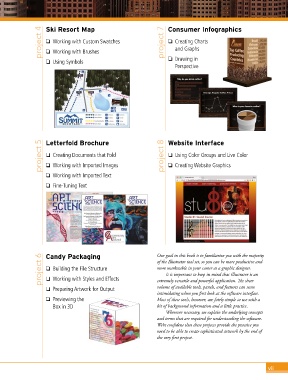
project 4  Ski Resort Map                         project 7  Consumer Infographics

                    o  Working with Custom Swatches
                                                                      o  Creating Charts
                                                                         and Graphs
                    o  Working with Brushes
                    o  Using Symbols                                  o  Drawing in
                                                                         Perspective


                  project 5  Letterfold Brochure                    project 8  Website Interface

                    o  Creating Documents that Fold
                                                                      o  Using Color Groups and Live Color
                                                                      o  Creating Website Graphics
                    o  Working with Imported Images
                    o  Working with Imported Text

                    o  Fine-Tuning Text


                  project 6  Candy Packaging                      Our goal in this book is to familiar ize you with the majority
                                                                  of the Illustrator tool set, so you can be more productive and
                    o  Building the File Structure
                                                                  more marketable in your career as a graphic designer.
                                                                     It is important to keep in mind that Illustrator is an
                    o  Working with Styles and Effects
                                                                  volume of available tools, panels, and features can seem
                    o  Preparing Artwork for Output               extremely versatile and powerful application. The sheer
                                                                  intimidating when you first look at the software interface.
                    o  Previewing the                             Most of these tools, however, are fairly simple to use with a
                       Box in 3D                                  bit of background information and a little practice.
                                                                     Wherever necessary, we explain the underlying concepts
                                                                  and terms that are required for understanding the software.
                                                                  We’re confident that these projects provide the practice you
                                                                  need to be able to create sophisticated artwork by the end of
                                                                  the very first project.


                                                                                                                vii

